Do QR codes work for small businesses?
QR codes failed the first time because nobody had an app to read them. Every phone camera reads them now, so the question is no longer whether they work — it's whether yours is big enough, and says the right thing.
Key takeaways
- QR codes failed in 2012 because they needed a separate app. Phone cameras read them natively now, so the old objection no longer applies.
- A code on its own gets ignored. Say what the person gets by scanning it, in words, right next to the code.
- Print it big enough: roughly one centimetre of code for every ten centimetres between the code and the reader.
- Send people to the thing you promised, not to your homepage.
- Test it through the glass, in daylight, on a cheap phone, before you print fifty.
QR codes had a first life, around 2011, and it did not go well. They turned up on bus shelters and cereal boxes, and almost nobody scanned them, because scanning meant finding and installing a separate app first. The code was asking for a download before it would tell you what it was for.
That objection is gone. Every current iPhone and Android phone reads a QR code from the camera app — point, tap the link that appears, done. Nothing to install, nothing to sign up for. That one change is why codes that failed a decade ago work now.
So the question is no longer whether QR codes work. It is whether yours is in the right place, big enough, and saying something worth scanning.
What makes a code get scanned
Say what they get
This is the whole thing. A code on its own is a black square with no promise attached, and people do not scan squares out of curiosity.
Compare:
- "Scan here" — ignored.
- "Scan for a free coffee on your tenth visit" — scanned.
- "Scan to join our loyalty card. No app, no sign-up." — scanned, and it answers the objection before it is raised.
Put the words in a size people can read from where they are standing, and put them directly above or below the code, not on the other side of the poster.
Make it big enough
The rule of thumb printers use is roughly one part code to ten parts distance: however far away the reader will be, the code wants to be about a tenth of that across.
| Where it goes | Scanned from | Code width |
|---|---|---|
| Table card or receipt | 30cm | 3cm |
| By the till | 50cm | 5cm |
| A3 poster on a wall | 1.5m | 15cm |
| Shop window, read from the pavement | 2m | 20cm |
Err larger. A code that is slightly too big looks confident; one that is slightly too small simply fails, and the person does not try twice.
Put it where someone is standing still
Scanning takes both hands and about four seconds of attention. That rules out most places.
Good spots:
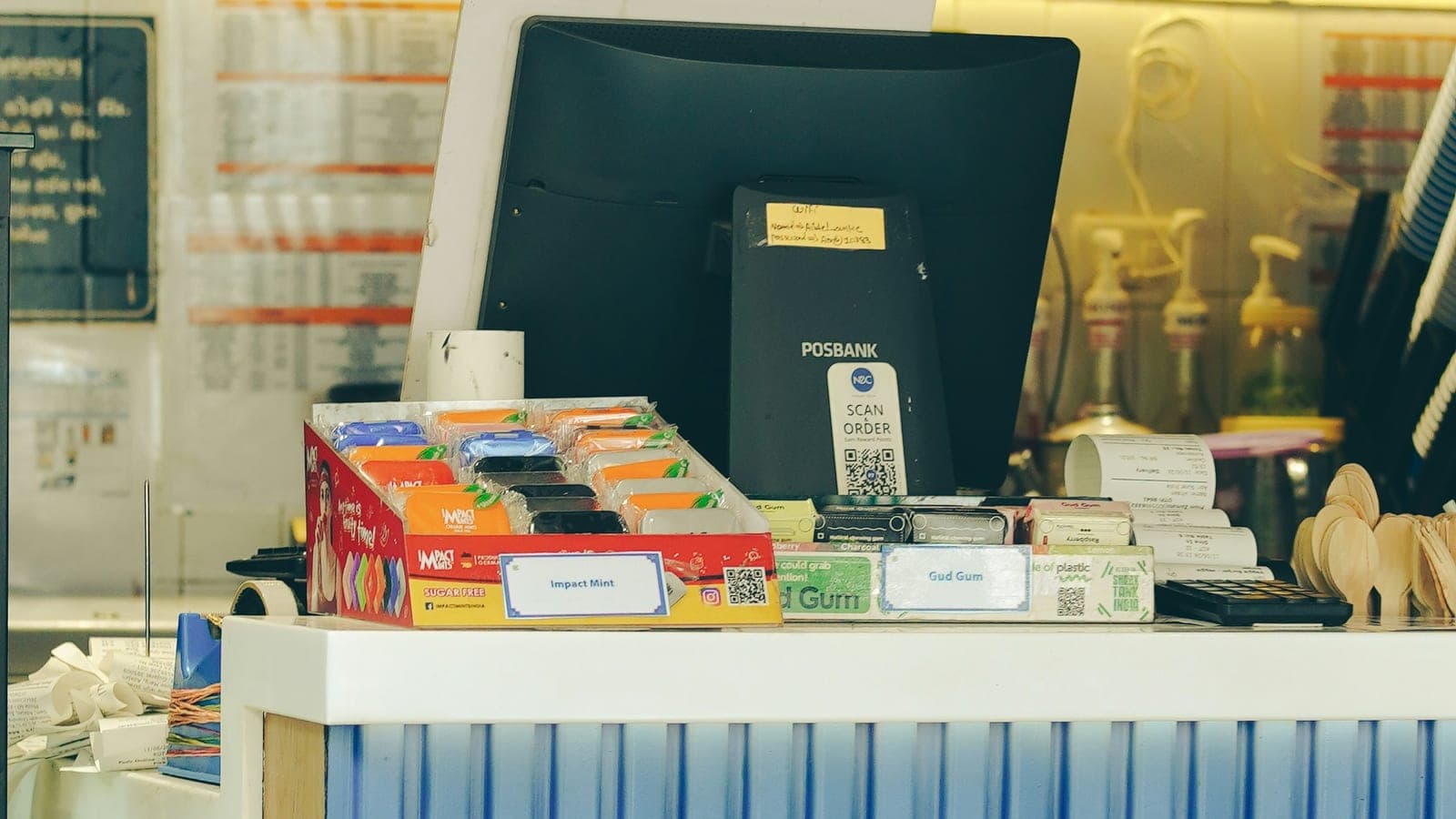
- By the till, at the moment someone is waiting for a card machine anyway.
- On the table, if people sit down.
- In the window at eye level, where someone reading your opening hours is already standing.
- On the receipt or the bag, read later at home.
Bad spots: above head height, behind the counter, on a moving vehicle, on a screen that times out, or anywhere someone is walking past rather than standing.
Test it before you print fifty
Print one and try it properly:
- Through the window glass, if that is where it is going, with the sun on it. Glare kills more codes than bad printing.
- On a cheap old phone, not just your own.
- In your actual lighting, which in most shops is dimmer than you think.
- From the real distance, standing where a customer would stand.
If it hesitates for more than a second or two, make it bigger.
Send them to what you promised
The most common mistake is a code that goes to a homepage. Someone scanned because you offered a free coffee on their tenth visit; dropping them on a general website makes them hunt, and they will not.
Send the scan straight to the thing: the loyalty card sign-up, the specific offer, the booking page. One tap from the promise to the thing itself.
It is also worth sending scans through a link you control rather than printing a raw destination, so the code keeps working if the page behind it ever moves — and so you can count the scans.
How do you know if it is working?
A QR code gives you something a paper flyer never could: a number. If your code goes through a link that counts scans, you can see exactly how many people used it, and when.
Watch three things:
- Scans per week. Flat near zero usually means placement or wording, not the offer.
- What happens after the scan. If people scan and then leave without joining or claiming, the page behind the code is the problem, not the poster.
- Where the scans come from. Window versus till versus receipt will not be equal, and the winner is often not the one you expected.
If you have a window poster and a till card and one gets ten times the other, print more of the one that works and stop printing the other.
The mistakes worth avoiding
- A bare code with no words. The code is the mechanism; the words are the reason.
- Too small. The commonest cause of a code that "does not work".
- Linking to a homepage. Make the scan land on the promise.
- A code printed on a dark or busy photo. Codes want quiet contrast — dark on light, with clear space around them.
- Never testing it. Print one, scan it from where a customer stands, then print the rest.
- Leaving it up after the offer ends. A dead code teaches people not to bother with your next one.
QR codes are not magic, and they are not a marketing strategy on their own. They are a way of removing the steps between "that sounds good" and actually doing it — which is also what off-peak offers and loyalty cards are trying to do. The code is the shortest path between a poster and a phone, and that is worth getting right.
Questions and answers
Do people actually scan QR codes?
They scan codes that offer something specific and obvious. A code labelled "Scan for a free coffee on your tenth visit" gets used; a bare black square in a corner does not. The code is not the offer, the words next to it are.
Do customers need an app to scan a QR code?
No. Every current iPhone and Android phone reads QR codes straight from the camera app. Point the camera, a link appears, tap it. This is the single biggest change since QR codes first failed, and it is why they are worth another look.
How big should a QR code be on a poster?
A common printing rule of thumb is that the code should be about a tenth as wide as the distance it will be scanned from. A code read from two metres away, such as one in a window, wants to be around 20cm across. A code on a table card read from 30cm can be 3cm.
Where should a QR code in a shop go?
Where someone is already standing still and has a free hand: by the till while they wait, on the table, on the receipt, or at eye level in the window. A code above head height or behind the counter will not get scanned, however good the offer.